How to put two monitors together? Generally speaking, there are two ways of stacking and side-by-side. Stacking, as the name suggests, is to place two monitors together by stacking them up and down; side-by-side means placing two monitors side by side. The same is that both methods need to rely on the monitor arm to achieve. But we did a valid customer intent survey and found that people mostly put two monitors side by side instead of stacked, why?
One is because they believe that stacking is used to place up and down. Although compared to placing monitors side by side, the method of placing monitors in stacking greatly reduces the space occupied. However, this placement method requires you to raise your head frequently to see the information you need, which is very inconvenient. With the side-by-side method, after adjusting the height and angle of the monitor stand, keeping your sightline level with the monitor, you only need to turn your eyes to observe the information you need, which is more convenient than stacking.
The second is because they believe that placing monitors side-by-side is more aesthetically pleasing than stacking them. Stacking and side-by-side are the results of the monitor arm making full use of the space on the back of the desktop, but stacking is a height superposition in the vertical direction, which tends to give a strong sense of visual pressure. The side-by-side is a horizontal extension of the length, which is more relaxed and comfortable visually, and it is not easy to make people feel tired and anxious.
In fact, whether you choose to stack or side-by-side, you need to choose and buy according to your preferences. What else do you know about the placement of monitors? Welcome to discuss with Dewin.
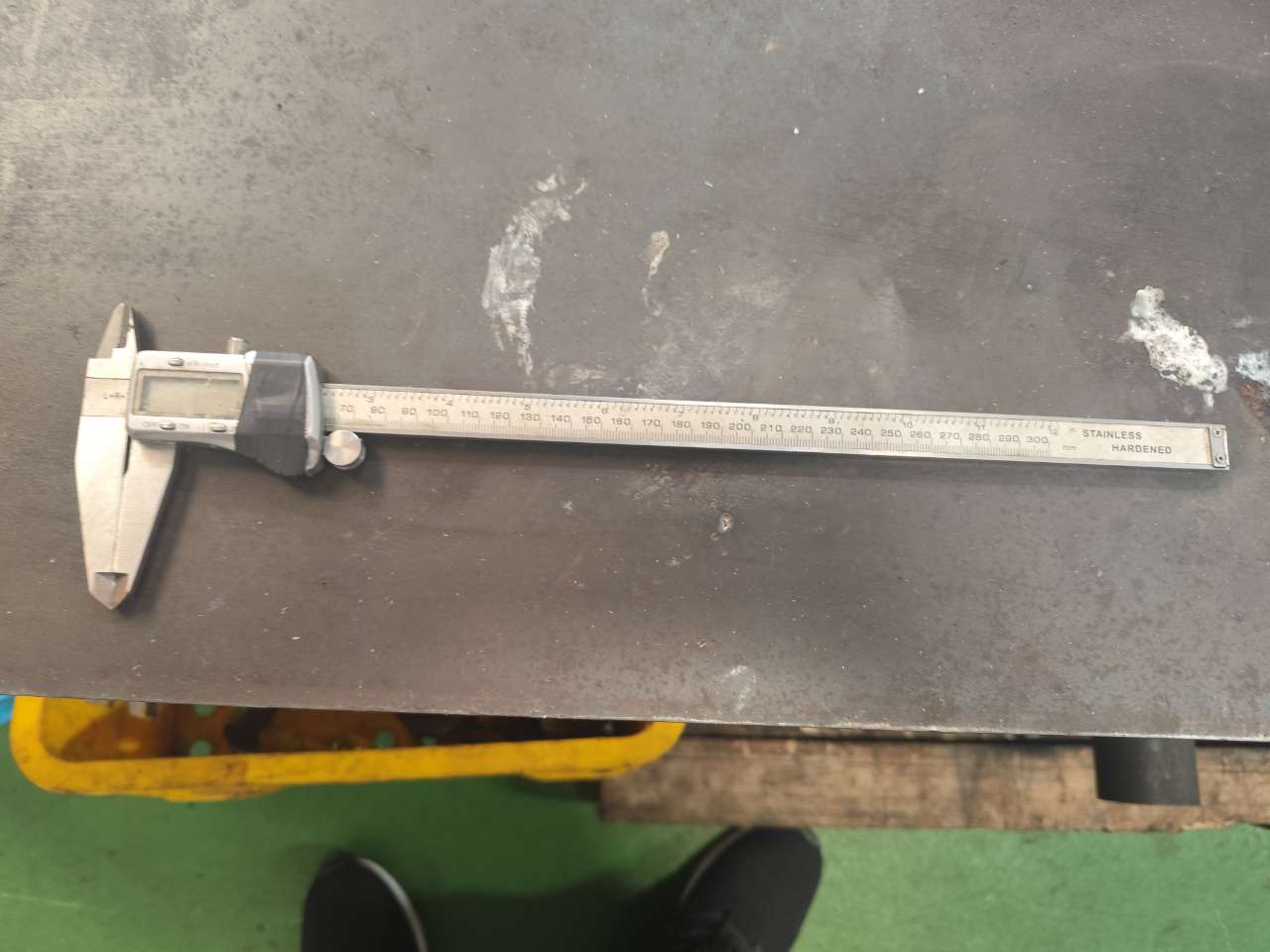
Precision Manufacturing & Sourcing Specification Matrix
| Technical Dimension | Standard Commercial Grade | High-Precision OEM Export Grade | DEWIN Verification Protocol |
|---|---|---|---|
| Machining & Forming Tolerance | ISO 2768-m (±0.10 mm nominal) | ISO 2768-f (±0.01 mm – ±0.025 mm critical bores) | Calibrated 3D CMM & Air/Pin Gauging |
| Surface Roughness & Finish | Ra 1.6 – 3.2 µm as-machined / standard coat | Ra 0.4 – 0.8 µm precision ground / MIL-A-8625 anodized | Profilometer & Coating Thickness Gauge |
| Material & Alloy Certification | Supplier Mill Test Report (MTR) | Independent OES chemical & mechanical verification | EN 10204 3.1 + RoHS/REACH Compliance |
| Batch Inspection & Packaging | ISO 2859-1 (AQL 1.0 Major / 2.5 Minor) | Zero-defect critical features + VCI export crating | Pre-Shipment Inspection (PSI) Report |
Frequently Asked Questions
What engineering files are required to quote how do i put two monitors on top of each other? with DEWIN?
Provide 3D CAD models (STEP or IGES) along with 2D engineering drawings (PDF/DXF) specifying critical-to-quality (CTQ) tolerances, material grade, surface finish, and annual volume.
How does DEWIN verify dimensional accuracy and material compliance before shipment?
Every production lot undergoes incoming material spectrometer verification (EN 10204 3.1), First Article Inspection (FAI) via 2D/3D coordinate measuring machines (CMM), and AQL pre-shipment audits.
Can DEWIN support both low-volume prototype validation and mass production scaling in Vietnam and China?
Yes. DEWIN coordinates rapid CNC and bridge-tooling prototypes alongside high-tonnage production tooling across audited ISO 9001 and IATF 16949 partner factories in Vietnam and China.