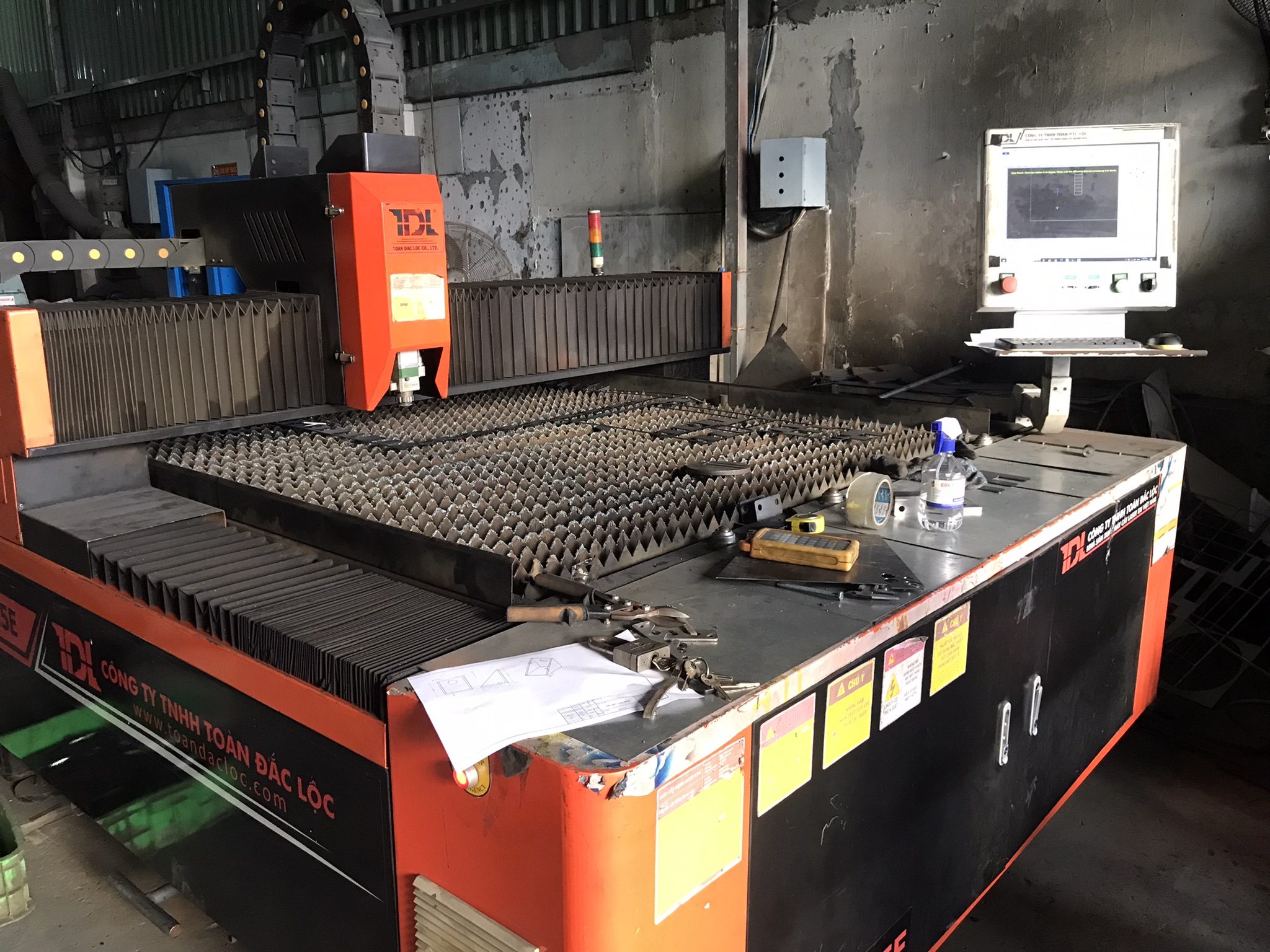
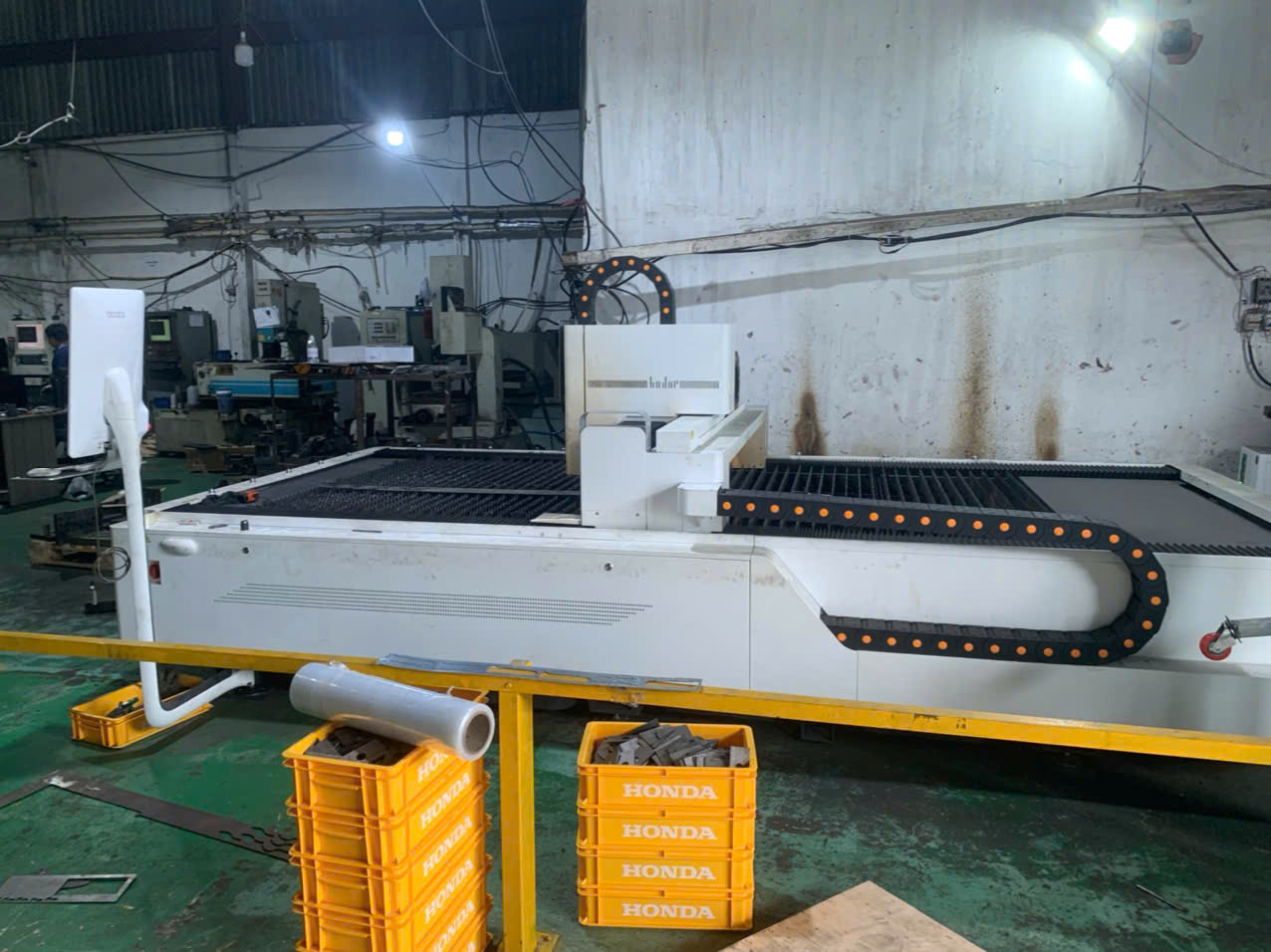
Evaluating laser cutting power 1 for material thickness is a sourcing decision I see buyers get wrong regularly. When our team reviews supplier capabilities for U.S. clients, mismatched laser wattage is one of the top reasons parts arrive with rough edges, excessive dross, or blown tolerances — problems that cost real money and delay production timelines.
To evaluate laser cutting power for material thickness, match your typical work mix to the right wattage range — 1,000–2,000W for thin sheet under 3 mm, 2,000–4,000W for medium gauge up to 12 mm, and 4,000–6,000W or higher for heavy plate — then add a power margin for consistent cut quality and speed.
This guide breaks down the power-thickness relationship metal by metal, explains why “maximum cut” is not the same as “quality cut 2,” and gives you a practical checklist to verify your supplier’s equipment before placing an order.
What laser power specifications do I need to ensure clean cuts for my material thickness?
A lesson I learned early in supplier auditing: a factory might claim their fiber laser 3 handles 20 mm carbon steel, but when you inspect the actual edge finish at that thickness, the heat-affected zone 4 is wide and dross clings to the underside. The specification sheet tells one story; the cut sample tells another.
For clean cuts, you need laser wattage that comfortably handles your material thickness — not barely reaches it. A 2,000W fiber laser cuts 8 mm stainless steel at maximum, but a 3,000W laser cuts the same thickness with superior edge quality, less dross, and faster cycle times.
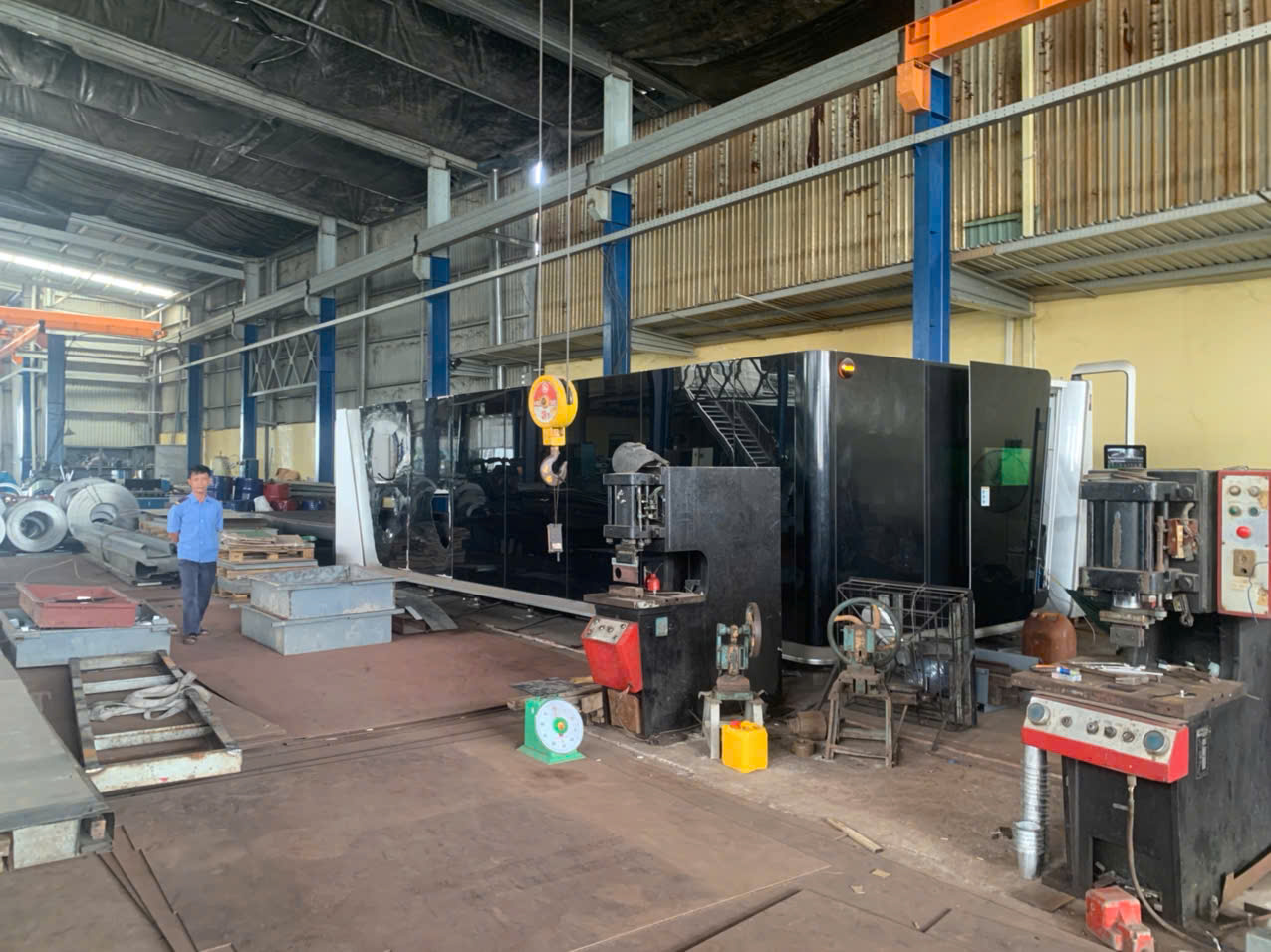
The Power-Thickness Relationship Explained
Laser cutting power and material thickness 5 have a direct, roughly linear relationship. More watts mean the beam delivers more energy per unit of time, which lets it melt or vaporize thicker cross-sections. But the relationship is not the same across all metals. Carbon steel, stainless steel, aluminum, and copper each respond differently because of their melting points, thermal conductivity 6, and reflectivity.
Here is a reference chart our sourcing engineers use when evaluating supplier equipment:
| Laser Power | Carbon Steel (max) | Stainless Steel (max) | Aluminum (max) | Copper (max) |
|---|---|---|---|---|
| 500W | 6 mm | 3 mm | 2 mm | 2 mm |
| 1,000W | 10 mm | 5 mm | 3 mm | 3 mm |
| 2,000W | 16 mm | 8 mm | 5 mm | 5 mm |
| 3,000W | 20 mm | 10 mm | 8 mm | 8 mm |
| 6,000W | ~40 mm | ~40 mm | ~15 mm | ~12 mm |
| 10,000W | ~50 mm | ~50 mm | ~40 mm | ~25 mm |
Keep in mind, these are maximum cut capabilities. At maximum thickness, cutting speed drops sharply, the heat-affected zone expands, and edge roughness 7 increases. That is why matching your laser cutting parameters to a comfortable working range — not the absolute ceiling — is critical for consistent metal fabrication quality.
Thin, Medium, and Thick Categories
When I walk through a supplier's shop floor during an audit, I group their work into three thickness categories. This simplifies the laser wattage conversation:
| Thickness Category | Steel Range | Aluminum Range | Recommended Power |
|---|---|---|---|
| Thin | 0.5–3 mm | 0.5–3 mm | 1,000–2,000W |
| Medium | 4–12 mm | 4–8 mm | 2,000–4,000W |
| Thick | 13–20 mm | 9–15 mm | 4,000–6,000W+ |
If your parts are precision-engineered brackets like the ones we source — with tight bend tolerances, multiple mounting holes, and clean weld-prep edges — you want your supplier cutting comfortably in the middle of these ranges, not at the limit.
Why a Power Margin Matters
I always recommend a power margin 8. If your typical work is 4–8 mm stainless steel, choosing a supplier with a 3,000W laser instead of a 2,000W machine gives you headroom. Over time, laser sources experience attenuation — they lose a small percentage of their output power. A machine running at its absolute limit on day one will underperform within a year. That margin also translates to faster cutting speed, which lowers your per-unit cost.
How can I tell if a supplier's laser wattage is high enough to meet my precision requirements?
During a recent supplier evaluation in Vietnam, we asked the factory to cut sample coupons in 6 mm stainless steel on their 2,000W fiber laser. The parts technically cut through, but the bottom edge had visible striations and micro-burrs that would have required secondary finishing. We moved the order to a partner with a 4,000W machine, and the same geometry came off the table with edges ready for welding.
Check if a supplier's laser wattage meets your precision needs by requesting cut samples at your actual material type and thickness, then inspecting edge roughness, perpendicularity, dross, and heat-affected zone width — not just whether the beam cuts through.
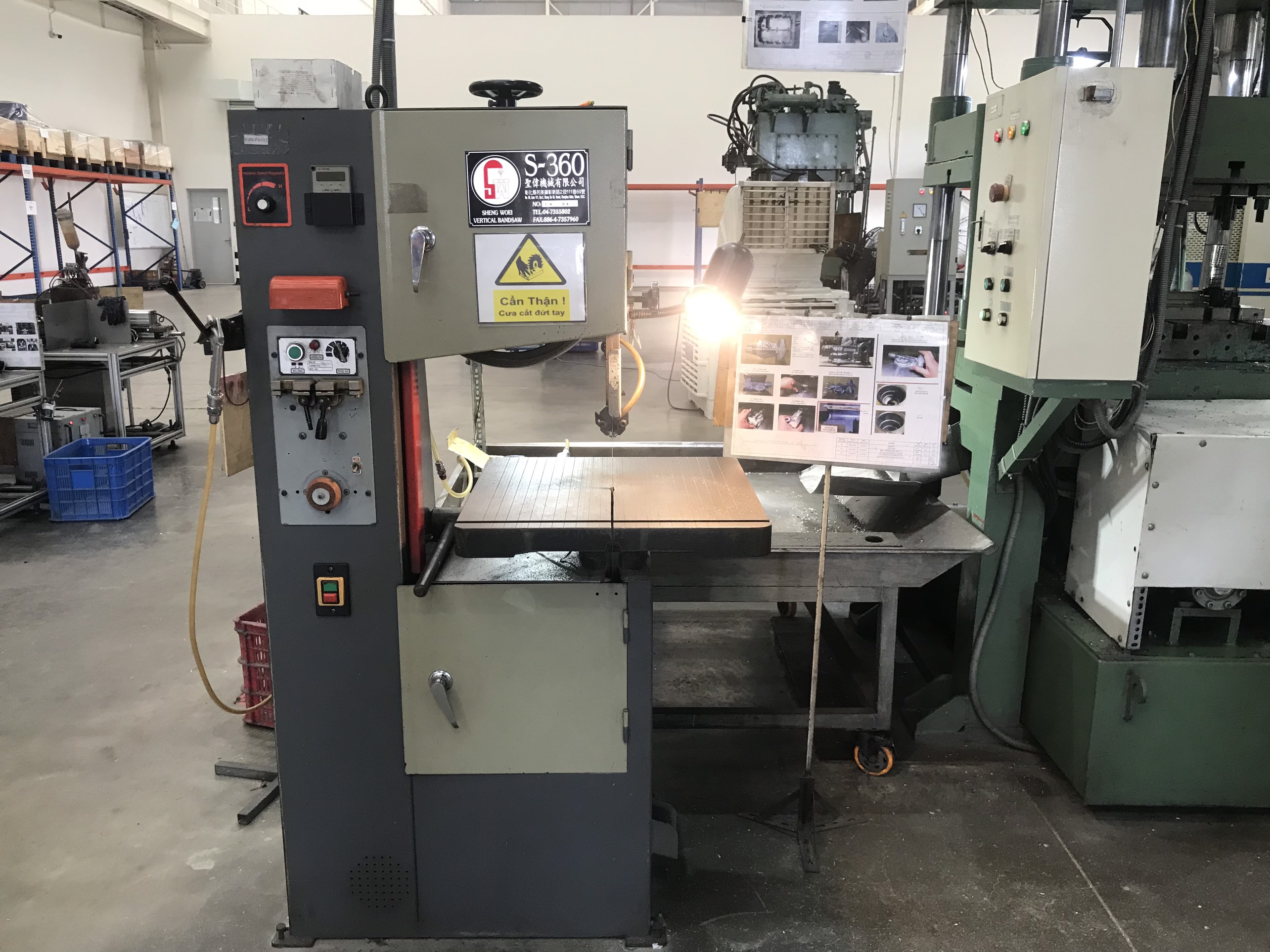
Quality Cut Versus Maximum Cut
This distinction is the single most important concept for buyers to understand. A "maximum cut" means the laser can physically sever the material. A "quality cut" means the resulting edge meets your tolerance and finish requirements without secondary operations.
For example, a 1,000W laser can cut 10 mm carbon steel — technically. But the cutting speed at that thickness drops to a crawl. The beam lingers too long, the heat-affected zone widens, and oxidation creeps along the edge. You might need to grind, deburr, or even re-cut. All of that adds cost.
When I evaluate a supplier’s laser cutting precision, I look for laser power that handles the target thickness at moderate speed. That is where you get:
- Clean, perpendicular edges
- Minimal dross on the bottom surface
- Narrow heat-affected zone
- Consistent results across a production run
Matching Power to Your Typical Work Mix
Rather than fixating on the thickest material you might ever need, focus on where 80–90% of your volume sits. Our clients in the U.S. who source custom brackets, housings, and mounting components typically work within a defined range. Here is the rule-of-thumb guideline I share:
| Your Typical Work Mix | Recommended Laser Power | Why |
|---|---|---|
| 90% of parts under 10 mm | 3,000–4,000W | Covers the range with speed and quality margin |
| Regular work in 10–20 mm range | 6,000W | Handles medium-thick plate with good edge finish |
| Core work is thick plate (20–30 mm) | 8,000–12,000W | Maintains cutting speed and quality on heavy gauge |
| Daily cutting above 30 mm | 20,000W+ | Only for specialized heavy plate operations |
This framework helps our sourcing team shortlist factories quickly. If a client sends us drawings for brackets in 3 mm to 8 mm steel, we look for suppliers running 3,000W to 4,000W fiber lasers — not 1,000W machines that technically max out at that range.
How to Request and Evaluate Cut Samples
When you ask a supplier for samples, be specific. State the exact material grade, the thickness, and the edge quality standard you need. Ask them to cut the sample on the same machine they will use for production. Then inspect:
- Edge roughness — run your finger along it; a quality cut feels smooth.
- Perpendicularity — the cut face should be 90 degrees to the surface, not angled.
- Dross — check the bottom edge for solidified metal blobs.
- Discoloration — excessive heat turns stainless steel blue or brown near the edge; this indicates too much energy input or wrong assist gas 9 selection.
- Dimensional accuracy — measure the cut feature against the drawing.
If the focal point is set correctly and the laser cutting parameters are well-tuned, all five of these checks should pass.
Will the laser power used by my manufacturer impact the edge quality and my final unit cost?
One trade-off I weigh constantly when recommending suppliers to our clients: a factory with a newer, higher-power fiber laser charges a slightly higher hourly rate, but their parts come off the machine needing zero secondary finishing. A lower-cost shop with an aging CO2 laser 10 or underpowered fiber unit quotes cheaper per hour — then you pay for deburring, grinding, and recuts that eat into those savings.
Yes — laser power directly impacts edge quality and unit cost. Adequate power produces clean edges at faster cutting speeds, reducing cycle time and eliminating secondary finishing. Underpowered lasers cut slowly, generate more dross and heat distortion, and increase your total landed cost through rework and scrap.
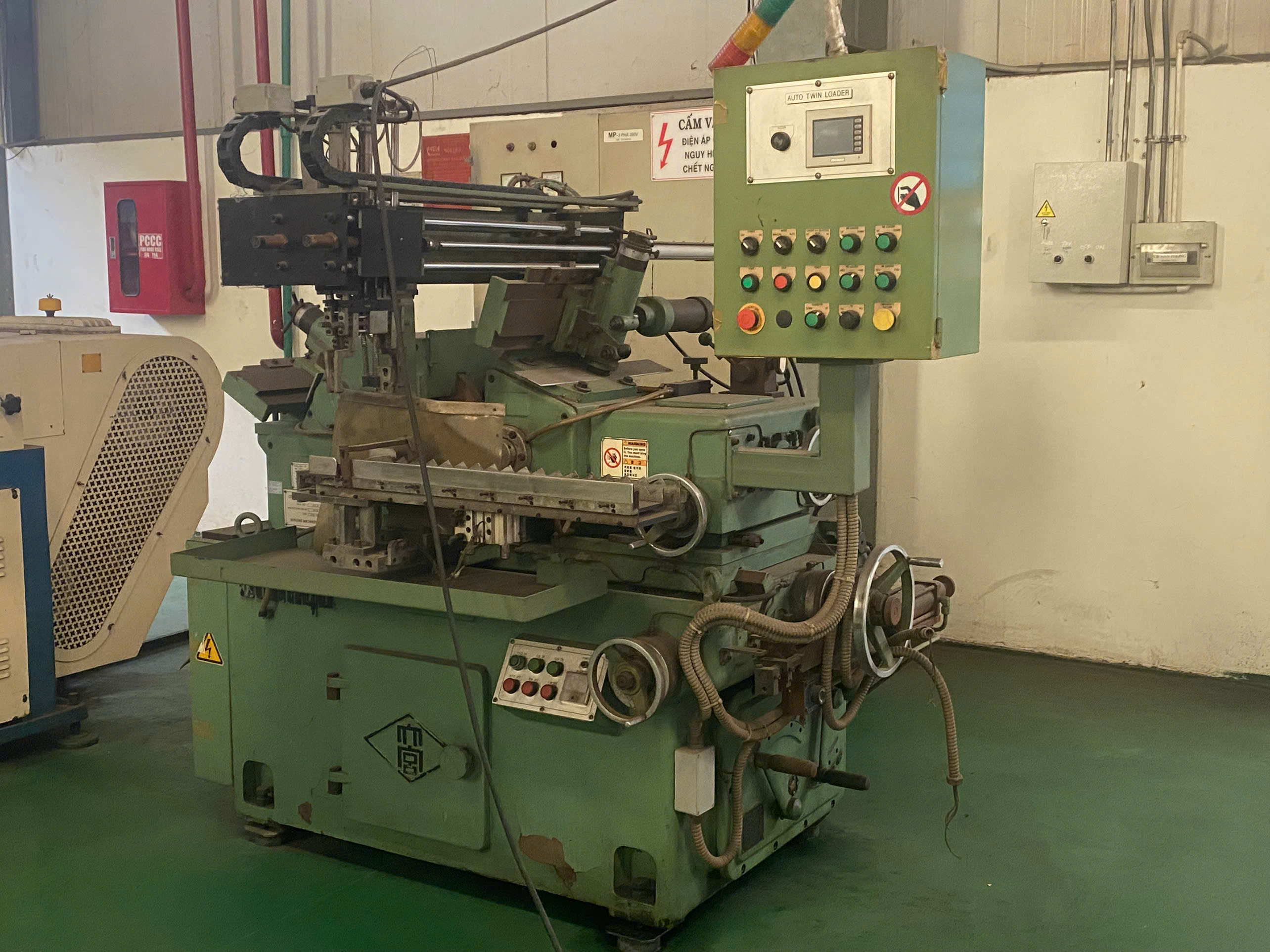
How Power Affects Edge Quality
When a fiber laser has sufficient wattage for the material thickness, the beam melts through the kerf cleanly. The assist gas — typically nitrogen for stainless steel or oxygen for carbon steel — blows the molten material out of the cut before it resolidifies as dross. With enough power, the cutting speed stays high, so the beam does not dwell and overheat the surrounding metal.
Underpowered cutting creates several problems:
- Striations — visible vertical lines on the cut face from inconsistent melt removal
- Dross adhesion — solidified metal droplets stuck to the bottom edge
- Wide heat-affected zone — more thermal distortion, especially on thin parts
- Taper — the cut face angles inward because the beam loses energy as it penetrates
All of these defects require post-processing. Grinding and deburring add labor. Thermal distortion may require straightening or scrapping the part entirely.
How Power Affects Cost
The cost equation is straightforward. Higher-power lasers cut faster. A 4,000W laser cuts 6 mm carbon steel roughly twice as fast as a 2,000W laser on the same material. That means the machine finishes your job in half the cycle time, which cuts the machine-hour charge significantly.
But there is a balance. An overpowered laser — say 10,000W cutting 1 mm stainless steel — can actually cause problems. The beam blows through so aggressively that you get burn-through on corners and small features. The factory has to reduce power settings dramatically, and the expensive machine is underutilized. You pay for capability you do not need.
The sweet spot is a laser that handles your material type and thickness comfortably, with enough margin for speed and quality but not so much excess that you are subsidizing unused capacity. For the complex brackets and mounting components our team sources — often 3 mm to 10 mm steel with precise cutouts and mounting holes — a 3,000W to 4,000W fiber laser consistently delivers the best balance of cut quality and cost efficiency.
The Assist Gas Factor
Assist gas choice interacts directly with power selection. Oxygen works as a reactive assist gas for carbon steel — it adds energy to the cut through exothermic reaction, effectively boosting the laser's cutting ability. Nitrogen is inert; it prevents oxidation on stainless steel and aluminum but provides no additional cutting energy.
This means a 2,000W laser cutting carbon steel with oxygen can handle thicker material than the same 2,000W laser cutting stainless steel with nitrogen. When you evaluate a supplier, ask what assist gas they use for your specific material. If they cut stainless with oxygen to save on gas costs, expect discolored edges that need cleaning — a hidden cost.
How do I verify that my overseas supplier has the right equipment to handle my heavy-gauge sheet metal?
Last quarter, a U.S. client asked us to audit a factory in Asia that claimed to cut 25 mm stainless steel. When our Vietnam-based team visited, the factory had a single 3,000W fiber laser — technically maxing out at around 10 mm on stainless. They had been outsourcing the heavy-gauge work to a subcontractor without telling the buyer. That kind of gap is exactly why on-site verification matters.
Verify your overseas supplier's heavy-gauge capability by conducting a factory audit — check the laser machine nameplate for actual wattage, request live cutting demonstrations at your required thickness, inspect recent production samples, and confirm they own the equipment rather than subcontracting the work.
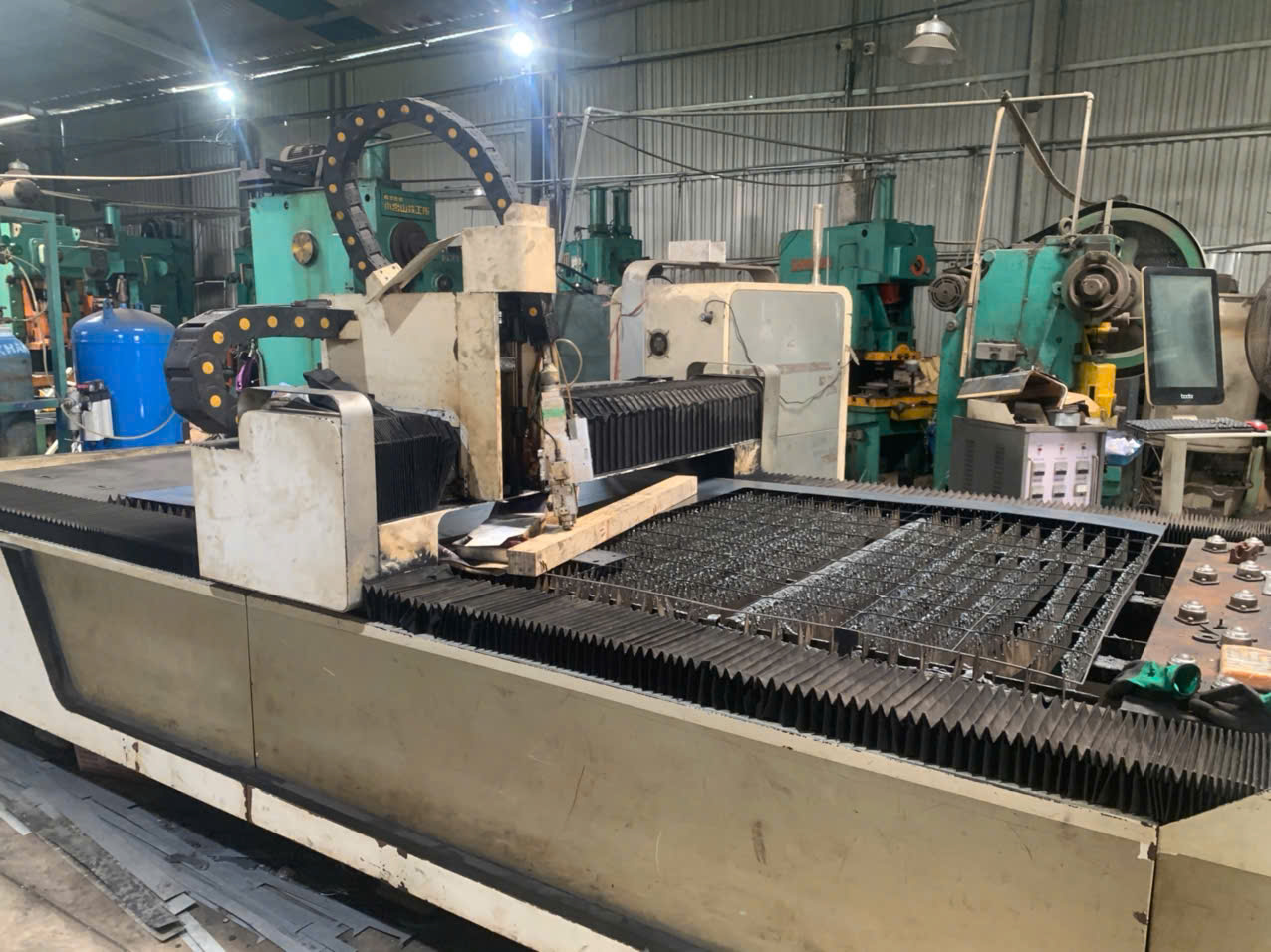
Step-by-Step Verification Checklist
When our team audits a laser cutting supplier for a client, we follow a structured process. Here is the checklist I recommend for any buyer sourcing heavy-gauge sheet metal internationally:
- Request the machine list. Ask for brand, model, laser source type (fiber laser or CO2 laser), and rated wattage of every cutting machine on the floor.
- Verify on-site. During the audit, read the machine nameplate yourself. Confirm the laser source manufacturer (IPG, Raycus, nLIGHT, etc.) and the rated output.
- Request a live cut demo. Bring your own material sample or specify the exact grade and thickness. Watch the machine cut it in real time.
- Inspect edge quality. Check the demo parts for dross, perpendicularity, surface roughness, and dimensional accuracy.
- Review production records. Ask to see recent jobs at similar thickness. Look at their quality inspection reports.
- Check maintenance logs. A well-maintained laser holds its power output. Neglected machines lose cutting performance.
- Confirm ownership vs. subcontracting. Ask directly whether any cutting operations are subcontracted. If they are, audit the subcontractor too.
What to Look for in Equipment Age and Technology
The shift from CO2 laser to fiber laser technology has been significant over the past decade. Fiber lasers are more energy-efficient, require less maintenance, and deliver better beam quality — especially important for reflective metals like aluminum and copper. If your supplier is still running an older CO2 laser for sheet metal work, it is not necessarily a disqualifier, but it may limit their capability on reflective materials and thin gauges where fiber excels.
For heavy-gauge work specifically, look for machines in the 6,000W to 12,000W range. These are the practical workhorses for cutting steel plate up to 25–30 mm with acceptable quality. Machines above 12,000W exist but are less common and typically reserved for specialized operations.
Beam Mode and Its Role
Beyond raw wattage, the beam mode matters. Single-mode fiber lasers concentrate energy into a tighter focal point, which is excellent for thin material and fine detail — resulting in a minimum kerf width for laser cutting that benefits precision work. Multi-mode fiber lasers spread the energy slightly but handle thicker material better because the wider beam creates a more stable kerf. For heavy-gauge sheet metal, a multi-mode laser at 6,000W may outperform a single-mode laser at the same wattage because it manages the melt pool more effectively and reduces dross formation.
When questioning your supplier, ask about their laser source configuration. This is a technical detail that separates factories with genuine capability from those that bought a machine based on wattage alone without understanding the application.
Common Red Flags
Watch for these warning signs during supplier evaluation:
- The factory quotes heavy-gauge capability but only shows samples in thin material.
- Machine nameplates show lower wattage than the factory claims.
- The assist gas supply setup is inadequate — small nitrogen tanks instead of bulk supply for high-volume stainless cutting.
- No cutting parameter records or quality control documentation for the thickness range you need.
- The factory refuses a live cutting demonstration at your required thickness.
Our approach at DEWIN is to never take a capability claim at face value. We send our local team — whether from our Vietnam office or China office — to physically verify the equipment, run test cuts, and document everything with photos and measurements before recommending a supplier to our U.S. clients. That verification step has saved multiple projects from delivery disasters.
Conclusion
The right laser cutting power for your sourcing needs is not about chasing the highest wattage — it is about matching your typical material thickness mix with a comfortable power margin, then verifying your supplier's real capability through samples and audits.
Frequently Asked Questions
What laser power specifications do I need to ensure clean cuts for my material thickness?
A lesson I learned early in supplier auditing: a factory might claim their fiber laser 3 handles 20 mm carbon steel, but when you inspect the actual edge finish at that thickness, the heat-affected zone 4 is wide and dross clings to the underside. The specification sheet tells one story; the cut sample tells another.
How can I tell if a supplier's laser wattage is high enough to meet my precision requirements?
During a recent supplier evaluation in Vietnam, we asked the factory to cut sample coupons in 6 mm stainless steel on their 2,000W fiber laser. The parts technically cut through, but the bottom edge had visible striations and micro-burrs that would have required secondary finishing. We moved the order to a partner with a 4,000W machine, and the same geometry came off the table with edges ready for welding.
Will the laser power used by my manufacturer impact the edge quality and my final unit cost?
One trade-off I weigh constantly when recommending suppliers to our clients: a factory with a newer, higher-power fiber laser charges a slightly higher hourly rate, but their parts come off the machine needing zero secondary finishing. A lower-cost shop with an aging CO2 laser 10 or underpowered fiber unit quotes cheaper per hour — then you pay for deburring, grinding, and recuts that eat into those savings.
Footnotes
1. Explains what laser cutting power is and its impact on cutting capabilities. ↩︎
2. Describes characteristics of a quality laser cut, including smooth edges and minimal dross. ↩︎
3. Provides a comprehensive overview of fiber laser technology and its applications. ↩︎
4. Explains what the heat-affected zone is and its impact on metal parts. ↩︎
5. Details how material thickness influences laser cutting precision and speed. ↩︎
6. Defines thermal conductivity and its role in heat transfer in materials. ↩︎
7. Explains how assist gas impacts edge finish and quality, directly relating to roughness. ↩︎
8. Discusses selecting appropriate laser power for optimal cutting, implying a margin. ↩︎
9. Details the types and functions of assist gases in laser cutting processes. ↩︎
10. Explains CO2 laser cutting technology, its process, and common applications. ↩︎