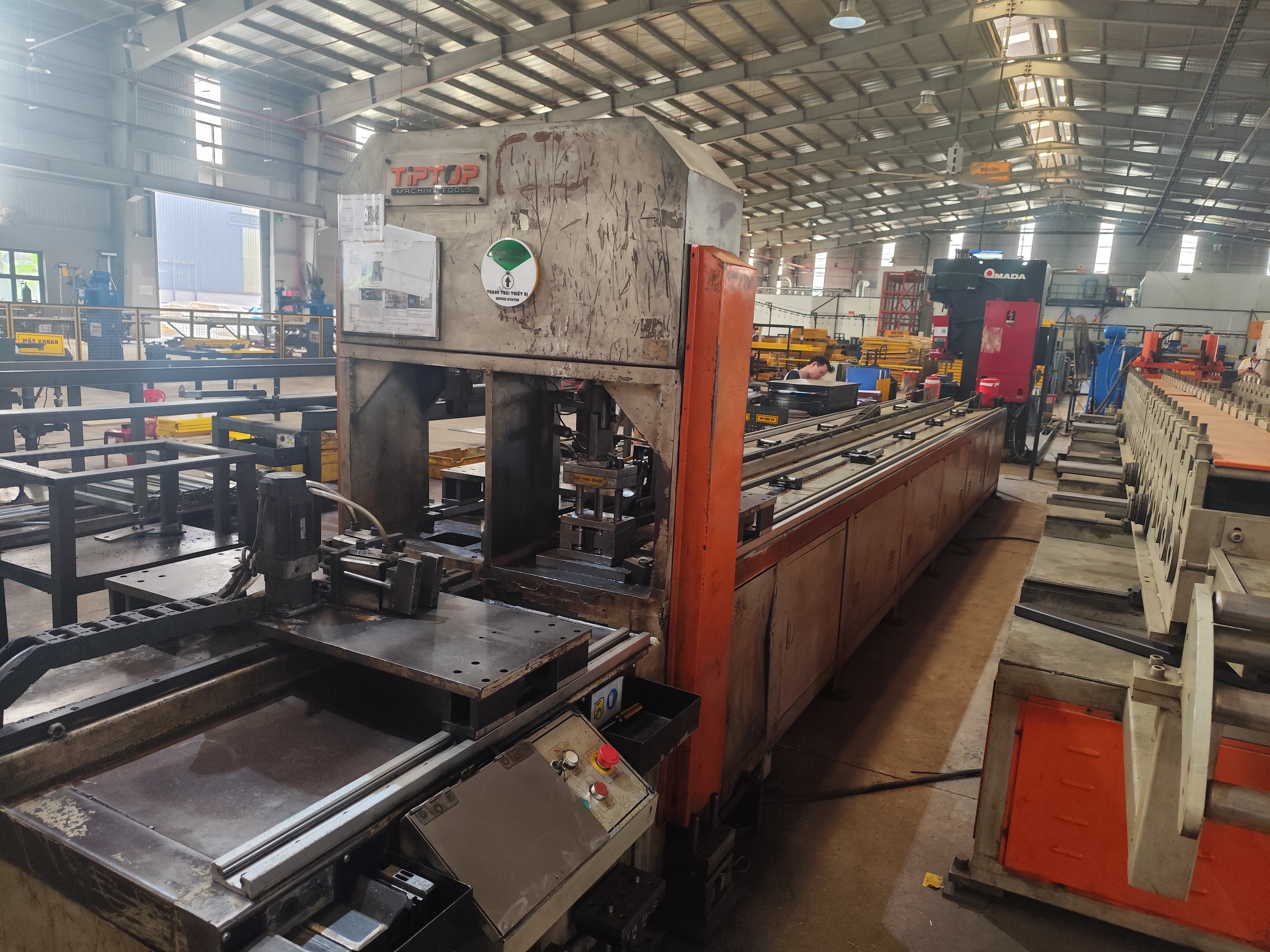
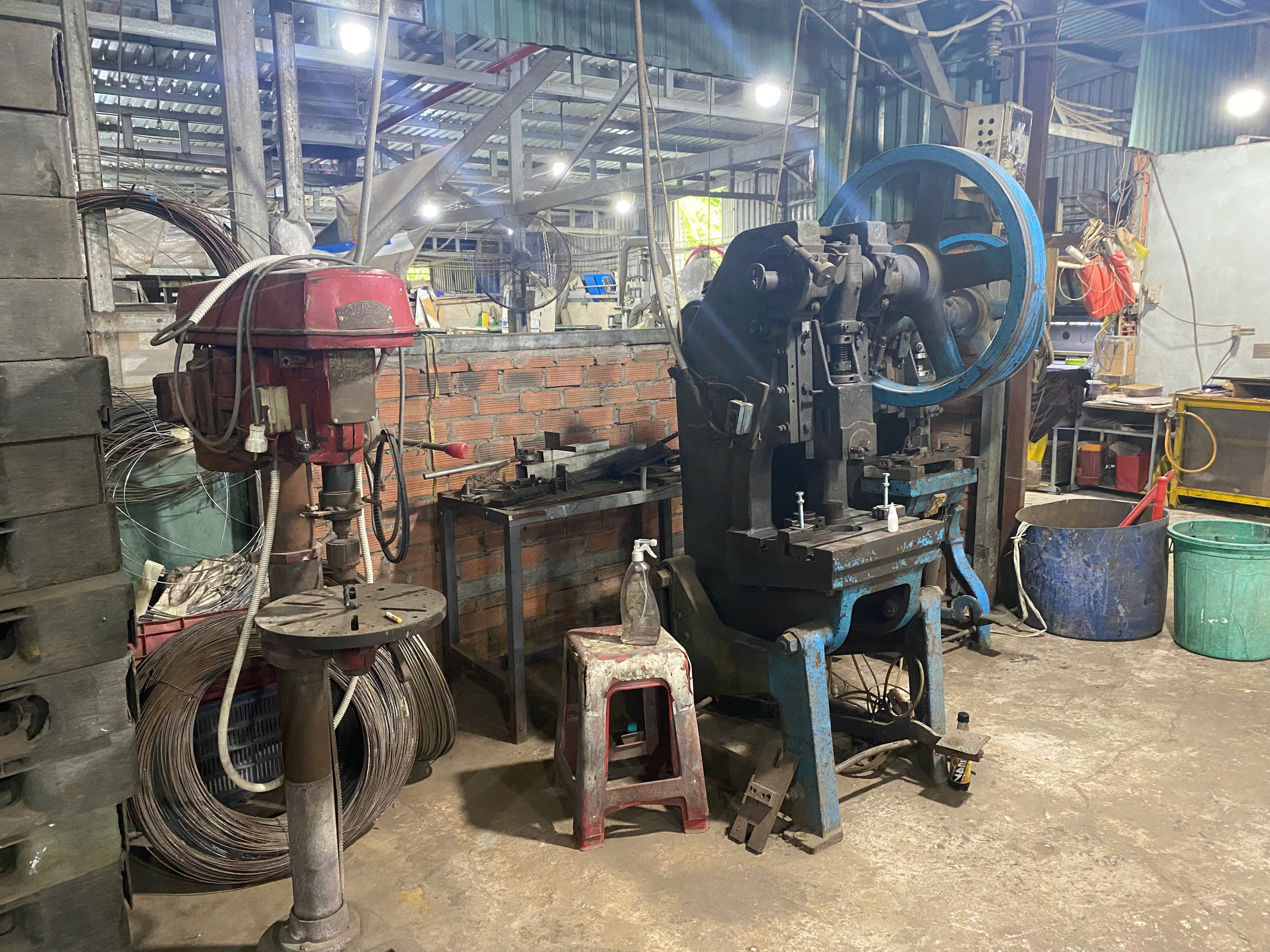
A few months ago, one of our U.S. clients asked us to audit a stamping parts supplier in Vietnam — and within the first hour on the shop floor, we spotted the red flags: scheduling done on whiteboards, inventory tracked in Excel, and quality logs stuffed into filing cabinets. The supplier had purchased a well-known ERP platform two years earlier, but almost nobody used it. That visit reminded me that the software brand on the license means nothing if the processes behind it are broken.
A stamping parts supplier with a mature ERP system shows real-time production visibility, zero reliance on parallel spreadsheets, automated order processing, integrated quality management modules, and data-driven scheduling — observable signals you can verify during a single site visit or vendor meeting.
This article walks you through the specific signs, questions, and checks that separate a truly mature ERP operation from one that just bought the software box. Whether you source stamping brackets, spring clamps, or complex multi-planar mounting parts, these indicators directly affect your on-time delivery, cost predictability, and part traceability.
What Signs Show Me a Supplier's ERP System Is Fully Integrated Across Production and Quality Control?
During a recent supplier audit we conducted in Southeast Asia, I watched an operator pull up a non-conformance report on the same terminal that displayed the live press schedule. That seamless connection between the quality management module and the production scheduling software told me more about ERP maturity than any sales deck ever could.
A fully integrated ERP links production scheduling, material requirements planning, shop floor control, and quality inspection into one data stream — so a defect detected at the press triggers an automatic hold, updates inventory, and notifies the planner without a single phone call or spreadsheet.
Understanding the ERP Maturity Curve
Not every supplier sits at the same point on the maturity spectrum. The industry-standard Capability Maturity Model 1 breaks ERP adoption into five levels. Knowing where your supplier falls helps you predict their reliability.
| Maturity Level | Name | What You Will See on the Shop Floor |
|---|---|---|
| Level 1 | Initial | Ad-hoc processes, heavy spreadsheet use, no standard workflows |
| Level 2 | Repeatable | Informal policies exist, some modules active, islands of data |
| Level 3 | Defined | Trained team, strategic structure, parallel spreadsheets declining toward zero |
| Level 4 | Managed | ERP aligned with business strategy, forecast accuracy measured, automated alerts |
| Level 5 | Optimized | Best practices, forward-looking analytics, integrated business processes complete in under three days |
When our team visits a stamping facility, we look for concrete evidence of Level 3 or above. The simplest test is the "spreadsheet test." If anyone on the production floor pulls up Excel to check a schedule, that supplier is still at Level 1 or 2 — no matter what logo is on their ERP login screen.
Integration Points That Matter for Stamping
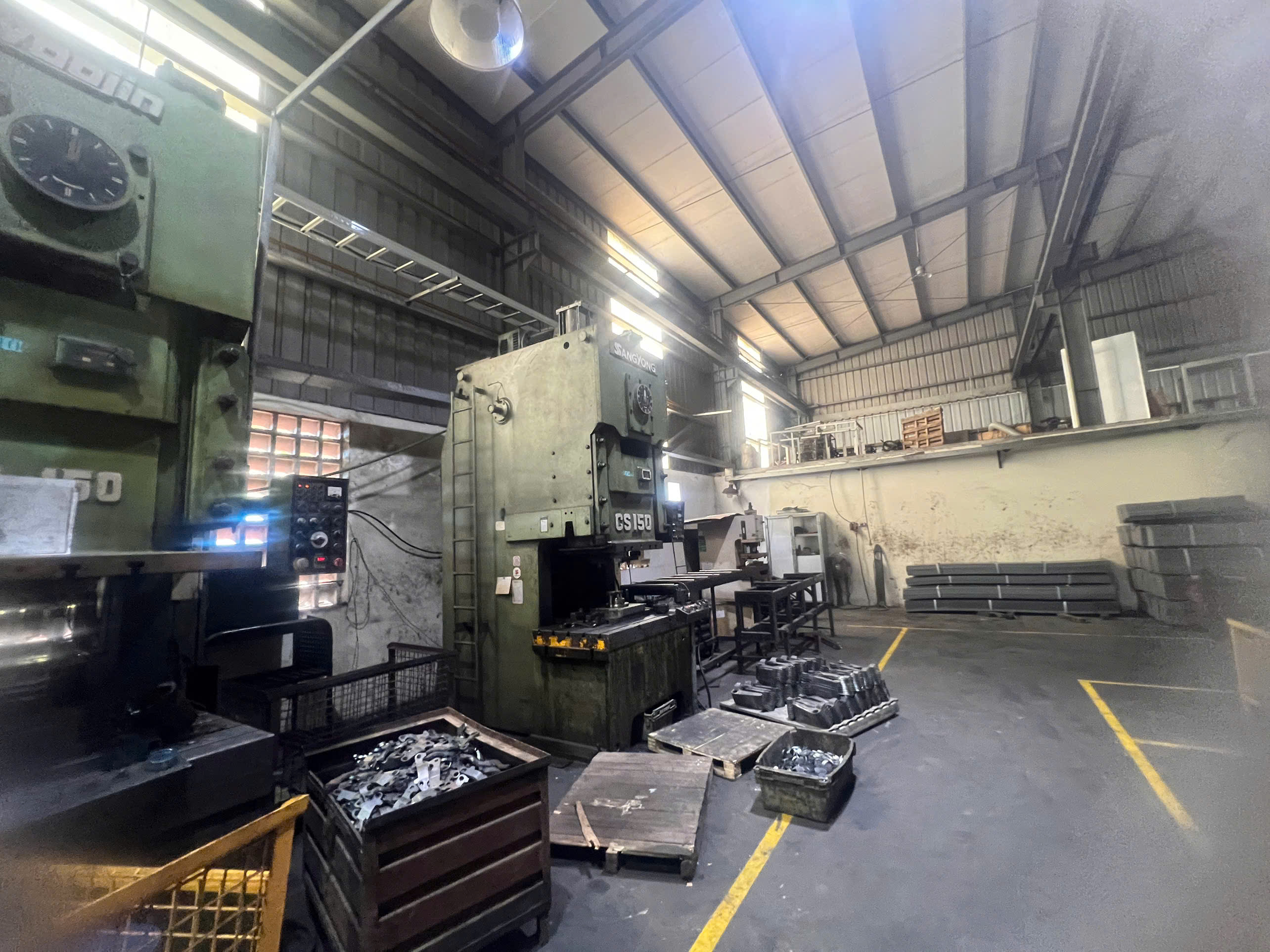
Stamping operations have unique requirements. Tooling life must be tracked per die. Material yield and scrap rates per coil need real-time calculation. Press stroke counts feed into maintenance triggers. A mature ERP handles all of this inside the same system, not in separate databases.
Here is what full integration looks like in practice:
- MES to ERP link: The Manufacturing Execution System 2 on the press sends stroke counts, cycle times, and downtime codes directly into the ERP. This feeds Overall Equipment Effectiveness 3 calculations automatically.
- Quality module tied to production orders: When an in-process inspection fails, the quality management module freezes the lot and alerts the planner — no manual email chain needed.
- Material Requirements Planning in real time: The MRP engine recalculates component needs every time a production order changes. Raw coil consumption, work-in-progress quantities, and finished goods are all visible on one screen.
I have seen suppliers where the quality team logged defects on paper forms and entered them into the ERP days later. By then, the production line had already shipped the affected batch. That gap between the shop floor and the database is the most dangerous sign of immaturity.
The Culture Check
Integration is not only about software connections. It is also about people. Ask the plant manager: "How do your operators report downtime?" If the answer involves a clipboard, the ERP is not truly integrated. A mature operation has terminals or tablets at every workstation. Operators log events in real time because they have been trained to trust the system — and the system trusts them back.
How Can I Verify That a Supplier's ERP Data Matches Their Actual Shop Floor Performance?
One lesson I learned early in my career managing supplier audits: numbers on a dashboard mean nothing if they do not match the physical reality behind the press. A client once forwarded me a supplier's ERP screenshot showing 98% on-time delivery — yet three of their last five shipments had arrived late. The discrepancy was simple: the supplier manually adjusted ship dates in the system after the fact.
Verify ERP-to-shop-floor accuracy by cross-referencing live system data with physical counts, checking time stamps on production transactions, and asking operators to demonstrate real-time data entry — discrepancies reveal whether the system reflects reality or just records history.
The Walk-and-Click Test
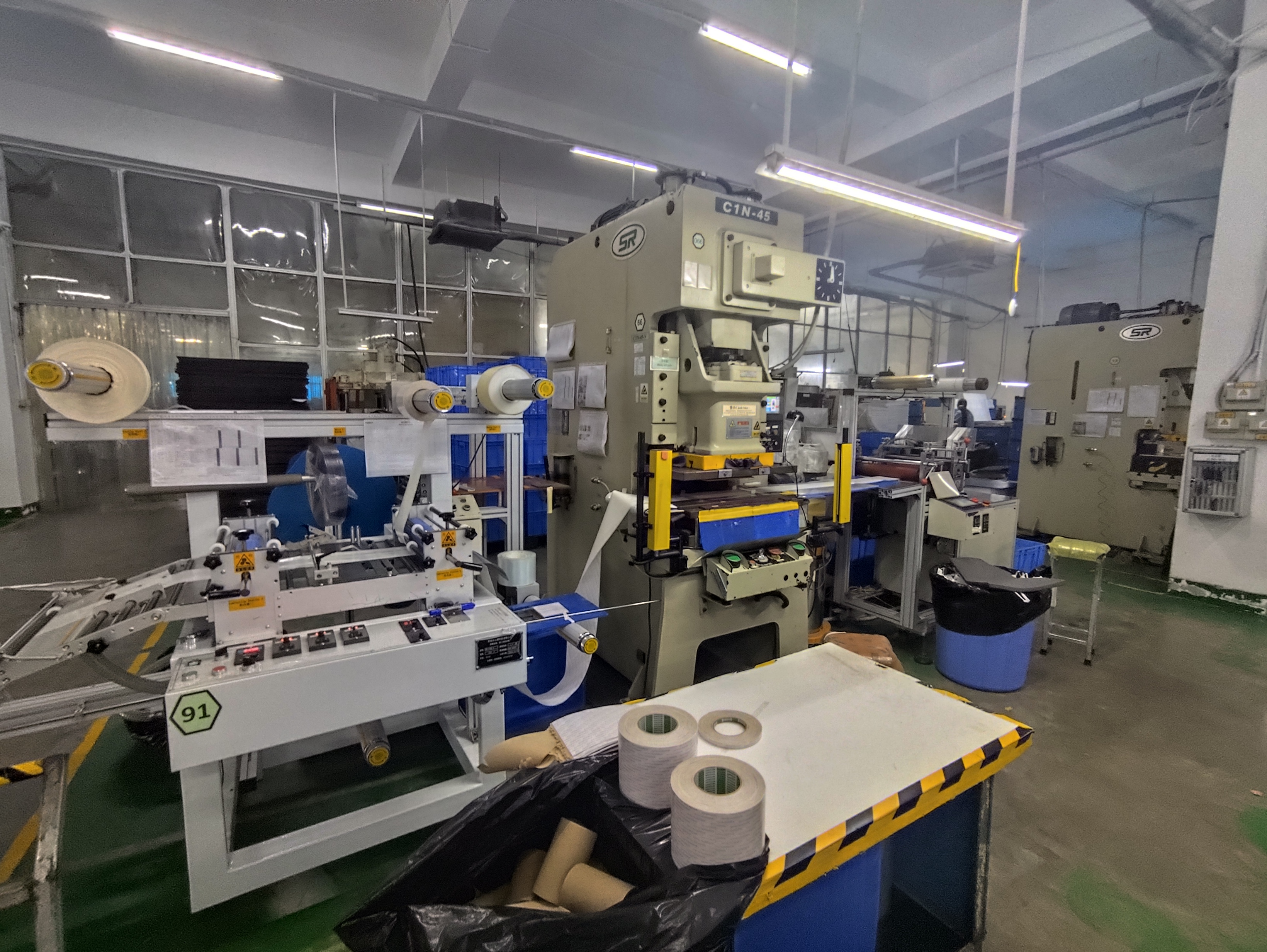
When our audit team visits a stamping facility, we use a method I call the "walk-and-click" test. We pick a random work order from the ERP screen, walk to the press it references, and compare what the system says against what we physically observe.
Here is the checklist we follow:
| Check Point | What to Compare | Red Flag |
|---|---|---|
| Work order status | ERP says "In Progress" — is the press actually running that job? | Press is idle or running a different part number |
| Inventory quantity | ERP shows 2,000 pcs WIP — count a sample rack and extrapolate | Physical count deviates by more than 5% |
| Scrap rate | ERP logs 1.2% scrap — check the scrap bin volume | Bin is overflowing or scrap is not being weighed |
| Machine status | ERP shows "Running" — verify OEE data against actual cycle time | Cycle time on the display differs from ERP by more than 10% |
| Last quality check | ERP timestamp says 10:15 AM — ask the inspector | Inspector recalls doing it much earlier or not at all |
If the supplier cannot produce consistent answers across these checkpoints, their data integrity is compromised. And without data integrity, every report they send you — delivery forecasts, cost breakdowns, inventory positions — is unreliable.
Transaction Timestamps Tell the Story
One of the most revealing details in any ERP system is the timestamp on each transaction. When I review a supplier's production history, I look at when data was entered relative to when the event actually occurred. In a mature shop floor control system, transactions post within seconds or minutes of the physical action. If you see batches of entries all posted at 5:00 PM on a Friday, someone is back-entering data from paper logs. That lag destroys the value of real-time data integration.
Quote-to-Actual Cost Variance
For stamping parts specifically, I pay close attention to how the supplier tracks quote-to-actual cost variance. A mature ERP calculates material consumption, labor hours, and machine time per job. It then compares those actuals against the original quote estimate. If the supplier can show you this variance report — and it is reasonably tight — their system is capturing shop floor data accurately. If they cannot produce the report at all, or if variances are wild, either the quoting model or the data capture is broken.
Our team also checks inventory traceability by selecting a finished bracket from the packing area and asking the supplier to trace it back to the raw material coil. In a mature system, every part links to a specific heat number and material test report 4. If the supplier has to search through binders of paper certificates to find the match, their traceability is not truly ERP-driven.
Which ERP Features Should I Look for to Ensure Traceability and On-Time Delivery for My Stamping Parts?
A buyer we work with in the Midwest once told me he lost a major automotive contract because his previous supplier could not produce a traceability report during an OEM audit. The parts were fine. The documentation was not. That experience shaped how we now evaluate every stamping supplier's ERP capabilities before onboarding them into our supply chain.
For traceability and on-time delivery, look for lot-level material tracking linked to heat numbers, finite capacity scheduling that adjusts dynamically, Electronic Data Interchange for automated order exchange, and automated alerts that flag deviations before they cascade into missed shipments.
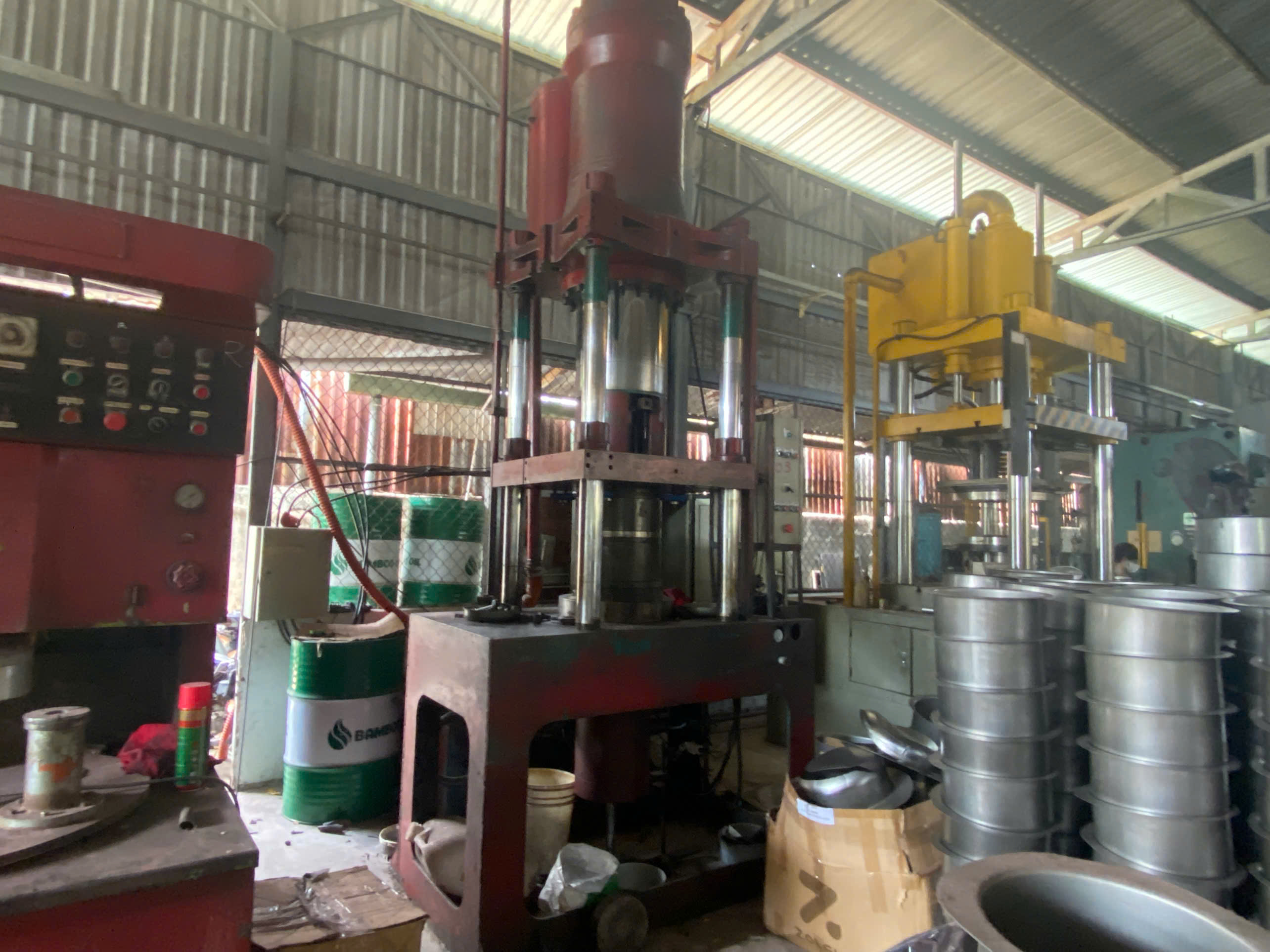
Must-Have ERP Features for Stamping Traceability
Traceability in stamping is not optional — especially if your parts serve automotive, aerospace, or medical applications where IATF 16949 5 compliance or similar standards apply. The ERP must track the journey of every part from raw coil to shipped box.
Here is a breakdown of the features I consider essential versus nice-to-have:
| Feature | Why It Matters | Essential or Nice-to-Have |
|---|---|---|
| Lot-level raw material tracking (by coil, heat number) | Links every finished part to its specific material source and MTR | Essential |
| Finite capacity scheduling 6 | Dynamically adjusts lead times based on machine, labor, and tooling availability | Essential |
| Electronic Data Interchange 7 (EDI) | Automates PO, ASN, and invoice exchange — reduces errors and speeds communication | Essential for automotive tier suppliers |
| Die/tool stroke counter integration | Triggers preventive maintenance before a failure causes defective parts | Essential |
| Automated non-conformance alerts | Freezes production when inspection data falls outside tolerance | Essential |
| Digital twin / nesting simulation | Tests material utilization and press parameters virtually before physical production | Nice-to-have (advanced) |
| AI-driven demand forecasting | Cross-references order history with raw material price indices | Nice-to-have (advanced) |
| Scope 3 carbon footprint per part | Calculates environmental impact using machine-level energy data | Nice-to-have (emerging) |
Finite Capacity Scheduling vs. Infinite Capacity
Many lower-maturity ERP systems use infinite capacity scheduling. This means the system assumes unlimited machine time and labor. It generates a plan that looks perfect on paper but is impossible on the shop floor. The result is late deliveries.
A mature stamping supplier uses finite capacity scheduling. The system knows exactly which presses are available, which dies are in maintenance, and how many operators are on shift. When a new order arrives, the schedule adjusts dynamically. I can see the realistic ship date immediately, not a fantasy date that will slip three times.
When we manage production for our clients at DEWIN, our production scheduling software accounts for real-world constraints. We do not promise a date we cannot meet. This is only possible because the scheduling engine reflects actual capacity — not theoretical capacity.
Material Requirements Planning in Action
For stamping parts like mounting brackets or spring clamps, MRP is the backbone Material Requirements Planning 8 of on-time delivery. The system breaks down each order into raw material needs, calculates coil weight requirements, and checks current stock. If there is a shortfall, it automatically generates a purchase requisition.
In an immature system, someone in purchasing checks a spreadsheet and places an order by email. The lead time for the coil is a guess. The safety stock level is a gut feeling. That is how shortages happen — and shortages are the number one cause of delivery delays in my experience.
Supply chain visibility 9 extends beyond the supplier's own four walls. A mature ERP connects upstream to raw material vendors and downstream to your receiving dock. It provides advance shipping notices automatically. You know exactly when your stamping parts left the factory, when they cleared customs, and when they will arrive.
How Do I Confirm a Supplier's ERP System Can Support Real-Time Communication and Order Updates?
The trade-off I weigh constantly is speed versus accuracy. A supplier can send you fast updates that are wrong, or slow updates that are right. The ideal — real-time updates that are accurate — requires a well-configured ERP with proper integration. I have seen both extremes, and neither end of the broken spectrum serves the buyer well.
Confirm real-time communication capability by requesting access to a customer portal or dashboard, testing whether order status updates match actual production progress, and verifying the supplier uses automated EDI or API connections rather than manual email notifications.
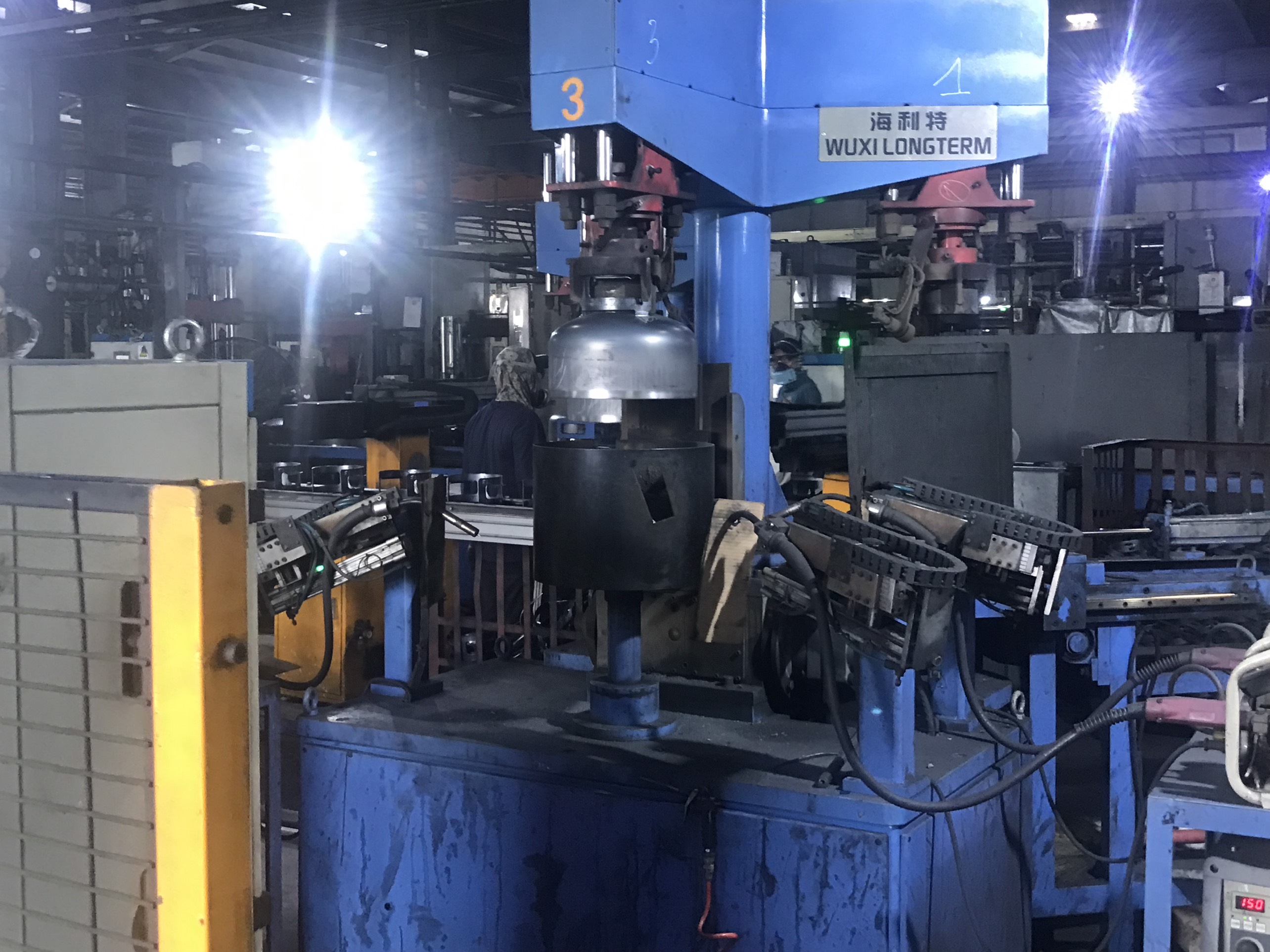
What Real-Time Communication Actually Looks Like
Real-time does not mean someone typing an email every two hours. It means the ERP system pushes data to you automatically when a status changes. When a stamping press completes your order's last piece, the system updates the status to "Ready for QC." When final inspection passes, it moves to "Ready to Ship." You see these changes without asking.
Here is how I evaluate a supplier's communication maturity:
-
Ask for a demo of their customer portal. If they have one, log in and check if it reflects current order data. Compare what the portal says against what the sales contact tells you by email. If they match, the system is live. If they differ, someone is updating the portal manually — and probably late.
-
Request a sample EDI transaction. If the supplier supports Electronic Data Interchange, ask them to send you a test 856 (Advance Ship Notice 10). Check the data fields. Are lot numbers, quantities, and ship dates populated automatically? Or are there blank fields that suggest manual entry?
-
Ask about API integrations. Mature suppliers can connect their ERP to your procurement system via API. This allows your own dashboard to pull real-time data directly from their production floor. This level of integration is increasingly common among suppliers serving the automotive and electronics sectors.
The Manual Update Trap
Many suppliers still rely on a sales coordinator who checks the shop floor, collects updates, and sends you a weekly email summary. This creates a communication lag of days. In stamping, where a single press can produce thousands of parts per hour, a lot can go wrong between Monday's update and Friday's email.
I recall a situation where a supplier's press broke down on a Tuesday. The coordinator did not find out until Thursday. We did not hear about it until the following Monday — three days before the promised ship date. A real-time shop floor control system would have flagged the downtime within minutes. The ERP would have automatically recalculated the delivery date. And we would have had time to adjust our logistics plan.
Evaluating Response Time and Data Freshness
When we onboard a new stamping supplier for one of our U.S. clients, we run a simple test during the trial period. We place a small order and then ask for status updates at random intervals. We compare the supplier's response time and data accuracy against what their ERP should theoretically provide.
The results usually fall into one of three categories:
- Category A: Response within one hour, data matches ERP in real time. This supplier is at Level 4 or 5 maturity.
- Category B: Response within one business day, data is mostly accurate but slightly behind. Level 3 maturity — workable but needs improvement.
- Category C: Response takes two or more days, data is vague or contradictory. Level 1 or 2 maturity — high risk for delivery and quality issues.
For our clients who source precision stamping brackets and mounting clips, we only recommend Category A or strong Category B suppliers. The cost of a late shipment or a traceability gap far exceeds the savings from choosing a cheaper but less mature supplier.
Conclusion
Evaluating a stamping parts supplier's ERP maturity comes down to observable behaviors — not software logos. Check for real-time visibility, zero spreadsheet dependency, integrated quality controls, accurate data, and automated communication. These signals protect your delivery timelines, traceability requirements, and bottom line. For a deeper dive into the specific evaluation framework, see our guide on how to evaluate a Vietnam stamping parts supplier’s ERP and production tracking systems.
Frequently Asked Questions
What Signs Show Me a Supplier's ERP System Is Fully Integrated Across Production and Quality Control?
During a recent supplier audit we conducted in Southeast Asia, I watched an operator pull up a non-conformance report on the same terminal that displayed the live press schedule. That seamless connection between the quality management module and the production scheduling software told me more about ERP maturity than any sales deck ever could.
How Can I Verify That a Supplier's ERP Data Matches Their Actual Shop Floor Performance?
One lesson I learned early in my career managing supplier audits: numbers on a dashboard mean nothing if they do not match the physical reality behind the press. A client once forwarded me a supplier's ERP screenshot showing 98% on-time delivery — yet three of their last five shipments had arrived late. The discrepancy was simple: the supplier manually adjusted ship dates in the system after the fact.
Which ERP Features Should I Look for to Ensure Traceability and On-Time Delivery for My Stamping Parts?
A buyer we work with in the Midwest once told me he lost a major automotive contract because his previous supplier could not produce a traceability report during an OEM audit. The parts were fine. The documentation was not. That experience shaped how we now evaluate every stamping supplier's ERP capabilities before onboarding them into our supply chain.
Footnotes
1. Explains the industry-standard framework referenced for grading ERP maturity levels. ↩︎
2. Background definition for the MES technology linked to ERP in stamping plants. ↩︎
3. Defines the OEE metric mentioned as an automatic ERP calculation output. ↩︎
4. Clarifies the MTR document tied to lot-level material traceability in stamping. ↩︎
5. References the automotive quality standard governing traceability requirements discussed. ↩︎
6. Provides background on scheduling methodology contrasted with infinite capacity planning. ↩︎
7. Explains the EDI standard used for automated order and shipment exchange. ↩︎
8. Defines the MRP process central to raw coil procurement and delivery timing. ↩︎
9. Relates to ISO supply chain standards governing upstream and downstream traceability practices. ↩︎
10. Corrected Wikipedia URL for the standard industry term. ↩︎